Workspaces / Account Settings
How to change my default workspace?
Updated by Julien on October 15, 2025
On Breevly, you can set any workspace you belong to as default dashboard. Your default workspace will be the one created with your account, but you can update this preference whenever you like.
-
Click on the User button in the bottom left corner.
-
Click Account settings.
-
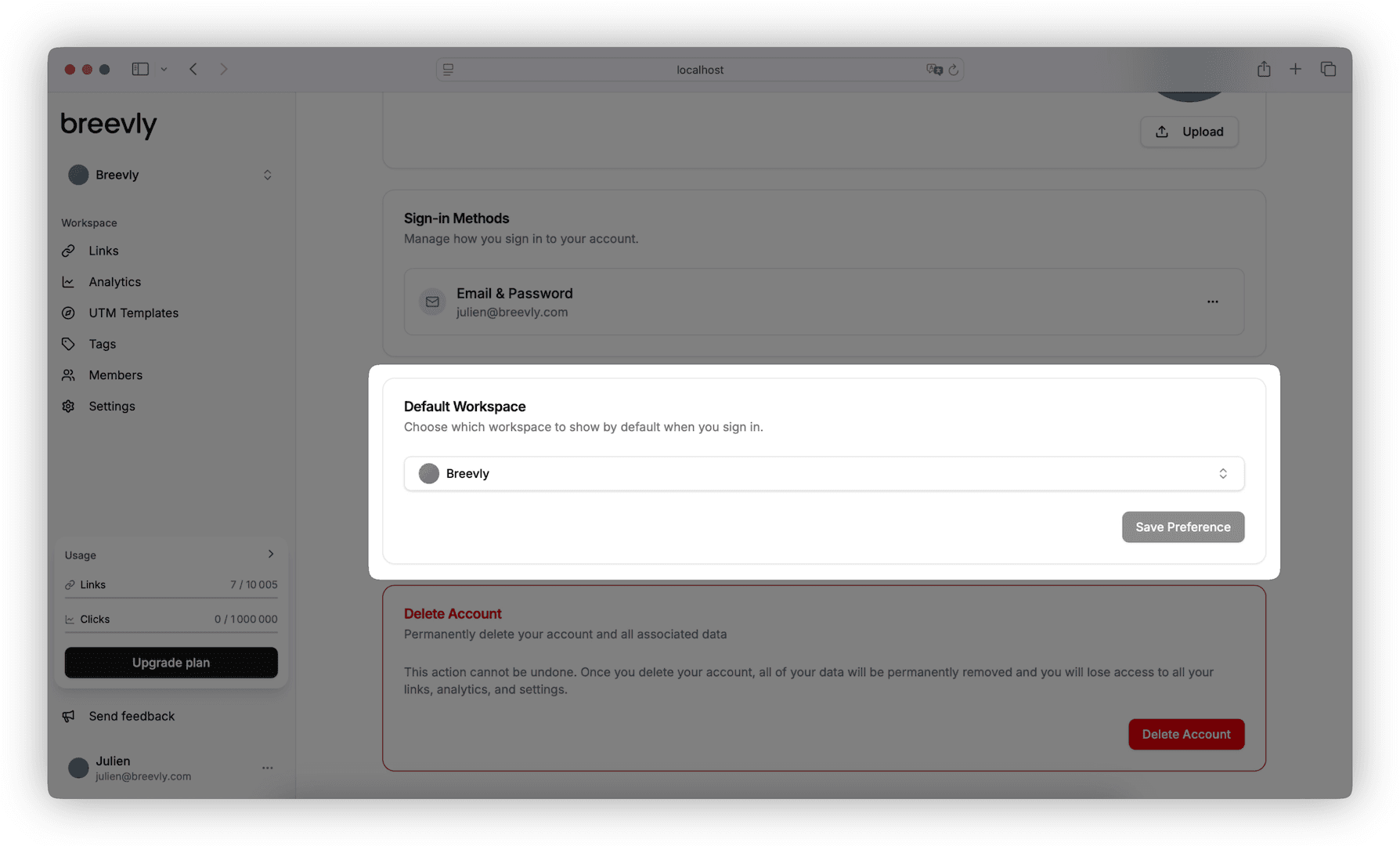
Scroll down to the Default Workspace section.
-
Select the desired workspace in the list. It includes every workspace you’re part of across all your organizations.
-
Click Save Preference.