Billing & Subscriptions
How to view and download invoices?
Updated by Julien on October 15, 2025
Need a copy of your latest charges? This guide shows you how to open past invoices in Breevly and download a PDF whenever you need one.
1
Navigate to the billing page
-
Navigate to the organization view
-
Click the Billing & usage menu.
2
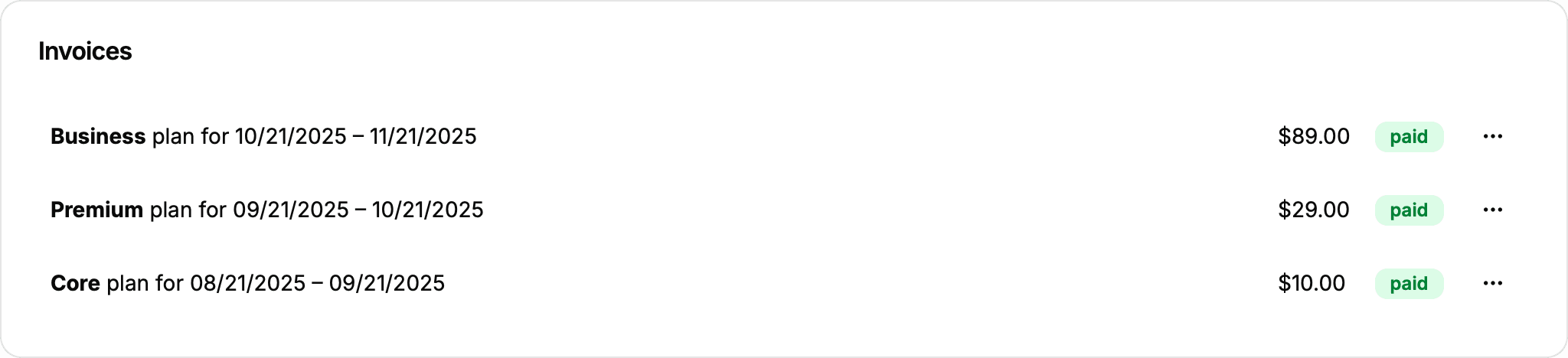
View or download invoice
-
Scroll to the Invoices section.
-
Click the icon to open the action menu, then choose:
- View to open the invoice in your browser
- Download to save the invoice as a PDF