How to switch to another organization?
If you’re a member of multiple organizations in our system, you can easily switch between them. Follow the steps below to access a different organization within your account.
-
Open the organization view:
- Click on the User button in the bottom left corner
- Click on the organization name
-
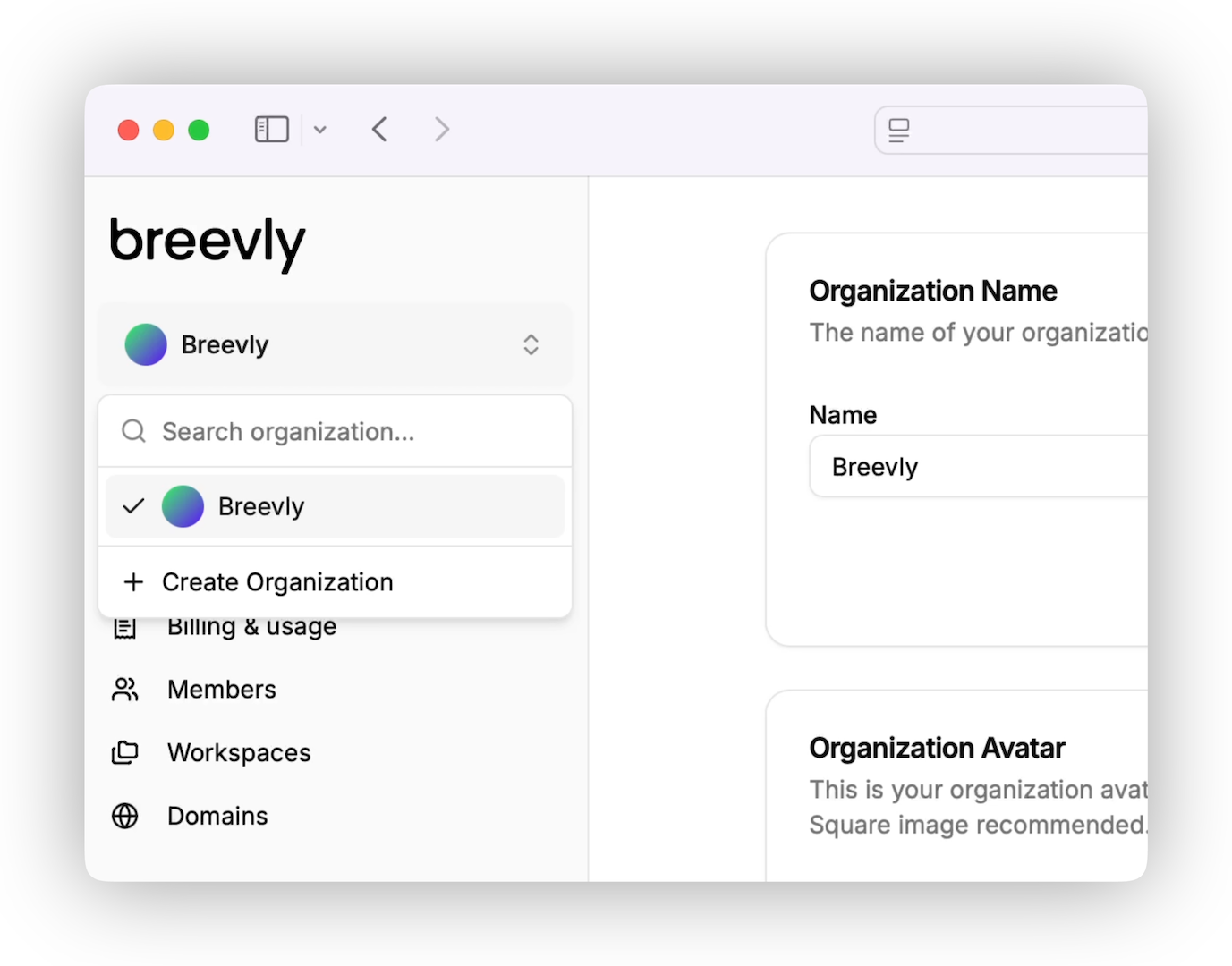
In the top-left corner, click on your organization name.
-
You’ll see a list of organizations you’re a member of. Click the name of the organization you want to switch to. You also are able to search if you belong to a huge amount of organizations.
-
The page will refresh, and you’ll be taken to the selected organization’s dashboard.
What if you don’t see the expected organization?
If the organization you want to access isn’t listed:
-
Make sure sure you are a member of the organization.
-
Check that you’re logged into the correct account.
-
If you’re still having trouble, contact your organization’s admin or reach out to our support team.
Tips
-
Your permissions may vary between organizations.
-
You can only interact with content and data that belongs to the currently active organization.