How to use and manage tags?
Tags are a powerful way to organize, filter, and manage content within your workspace. Whether you’re categorizing links or labeling projects, tags help you quickly find and group related items. You can also use tags to filter your analytics and track campaign performance.
Use tags to filter the link list so you can surface the right links faster.
What is a Tag?
A tag is a custom label that you can assign to links or other content
within your workspace. Tags make it easier to search and filter by
categories that are meaningful to you and your team, such as social media, black friday, or product launch.
How to Create a Tag
You can create a new tag in two different ways:
Option 1: From the link form
When you add or edit a link, type the tag into the Tags field and press Enter or select Create “[tagname]”.
We’ll assign a color automatically from the available palette.
Option 2: From the Tags page
-
Switch to the workspace you want to manage tags.
-
Select the Tags menu in the sidebar.
-
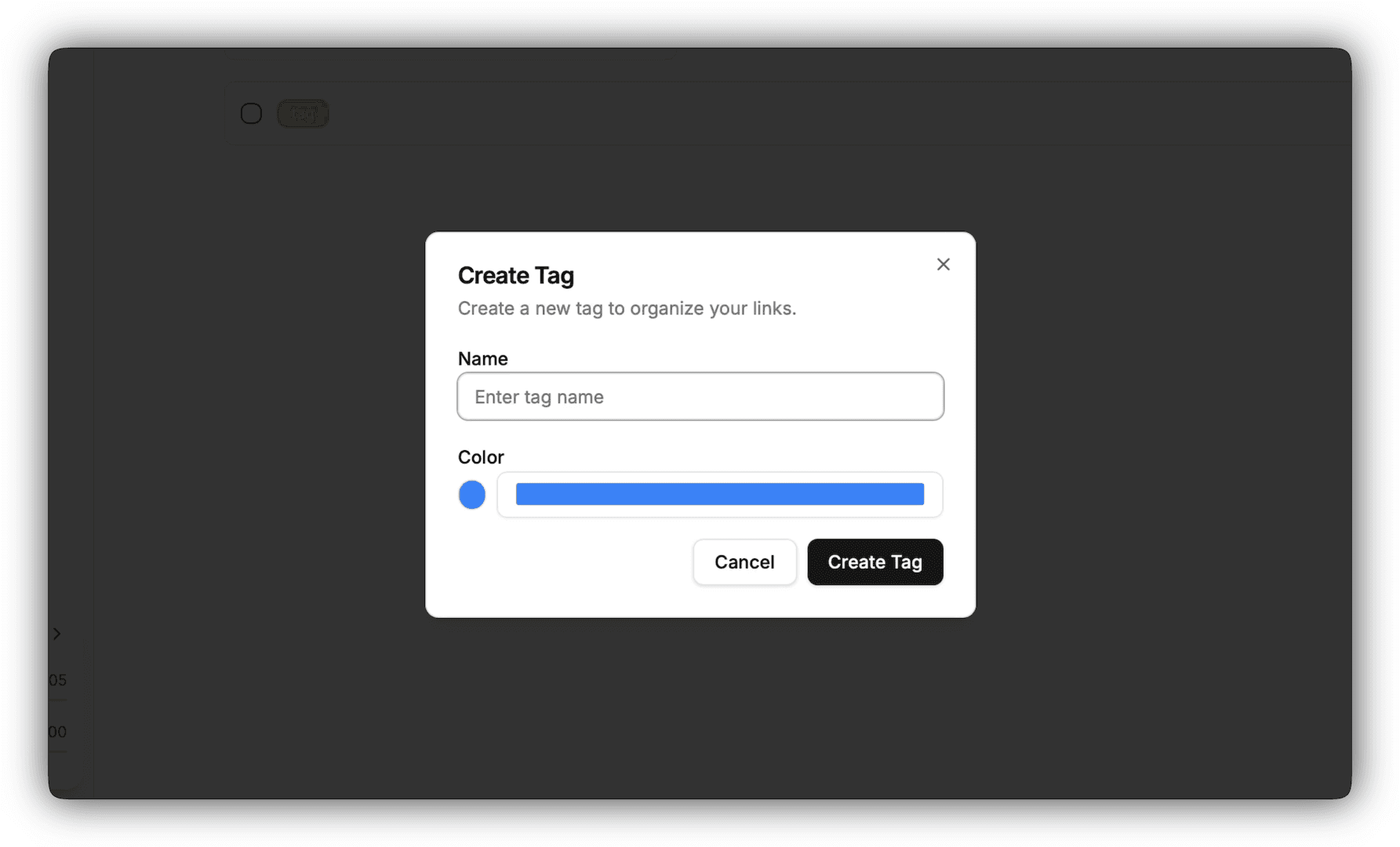
Click Create tag button.
-
Enter a tag name, choose a color, and save the tag.
How to Update a Tag
-
Navigate to the Tags page in your workspace.
-
Find the tag you want to update, and click the icon in the tag row.
-
Click the Edit button, and update the tag name and/or color.
-
Save your changes.
How to Delete a Tag
To delete a tag:
-
Navigate to the Tags page in your workspace.
-
Find the tag you want to remove, and click the icon in the tag row.
-
Click the Delete button.
-
Confirm the deletion.
Deleting a tag will remove it from all links it was assigned to, but it will not delete the links themselves.