How to add an existing domain to an organization?
The number of custom domains you can add depends on your current plan.
Upgrade if you need additional domains.
Adding a custom domain to your organization helps you create branded links and establish a professional identity. Follow the steps below to successfully connect and verify your custom domain.
Prerequisites
Before you begin, ensure that you have:
-
Access to the DNS settings of your domain provider (e.g., GoDaddy, Namecheap, Cloudflare).
-
Admin permissions in your organization’s account on our platform.
Step-by-Step Guide
Navigate to the domains page
-
Navigate to the organization view
-
Switch to the organization that owns the workspace you want to delete.
-
Click the Domains menu.
Add your domain
-
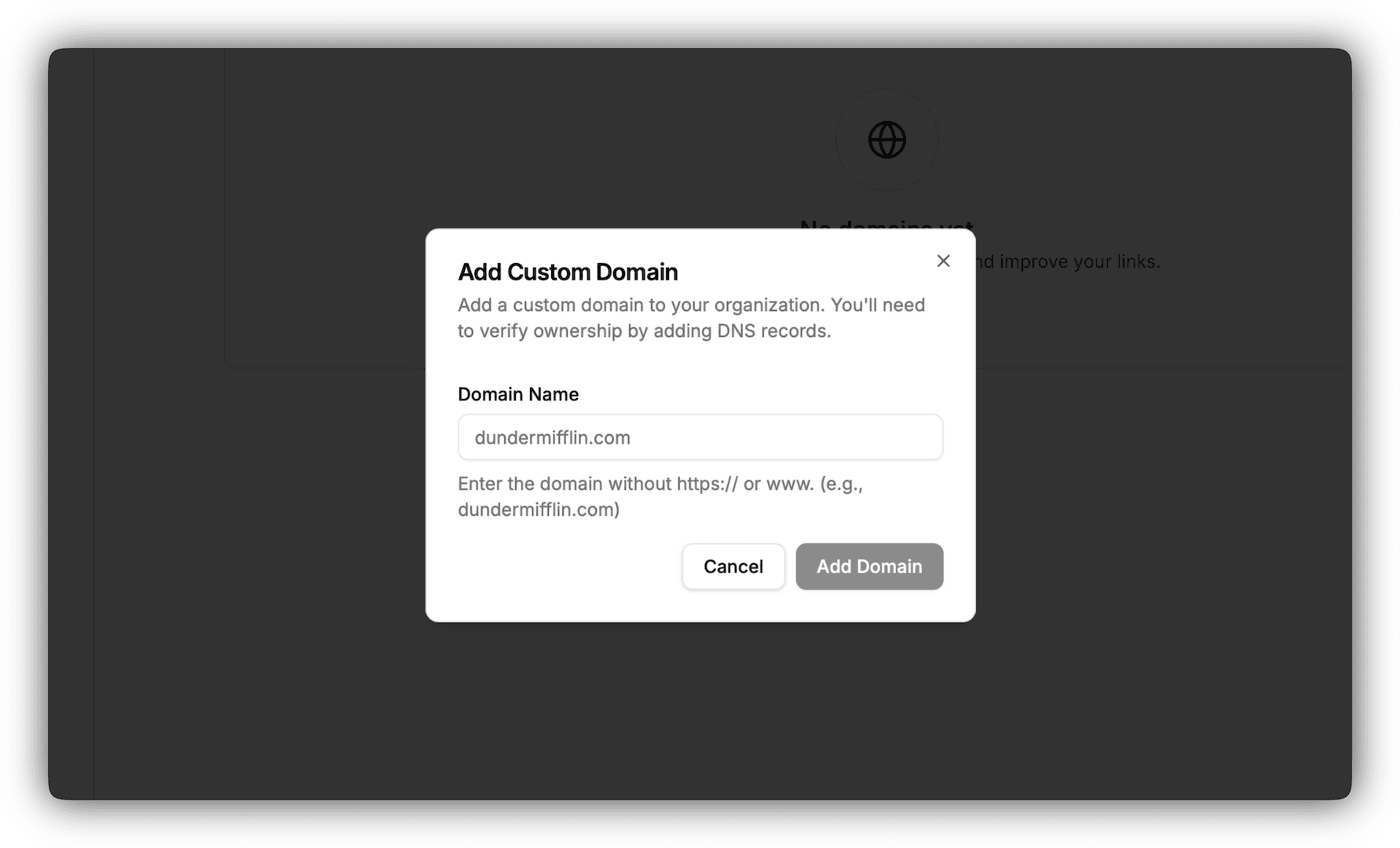
Click Add Domain.
-
Enter your custom domain (e.g.,
yourcompany.com) -
Click Add Domain.
Configure your domain
Once your domain added, open the icon in that domain’s row and apply the configuration that matches its type — apex domain (e.g. yourcompany.com) or subdomain (e.g. to.yourcompany.com).

Once verified, the status of your domain in your dashboard will move to verified
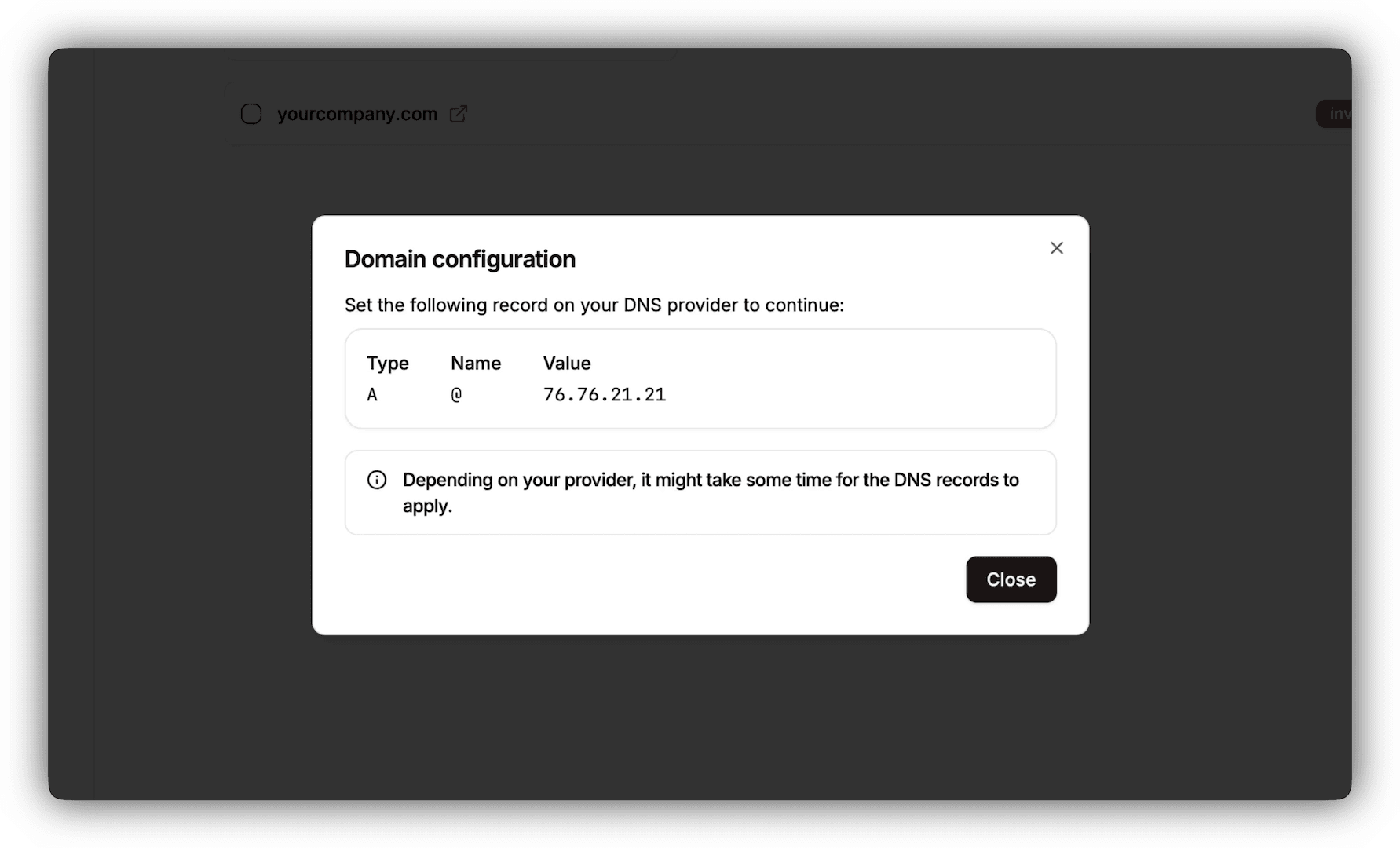
1. Apex domain
- Type: A
- Name: @
- Value: 76.76.21.21
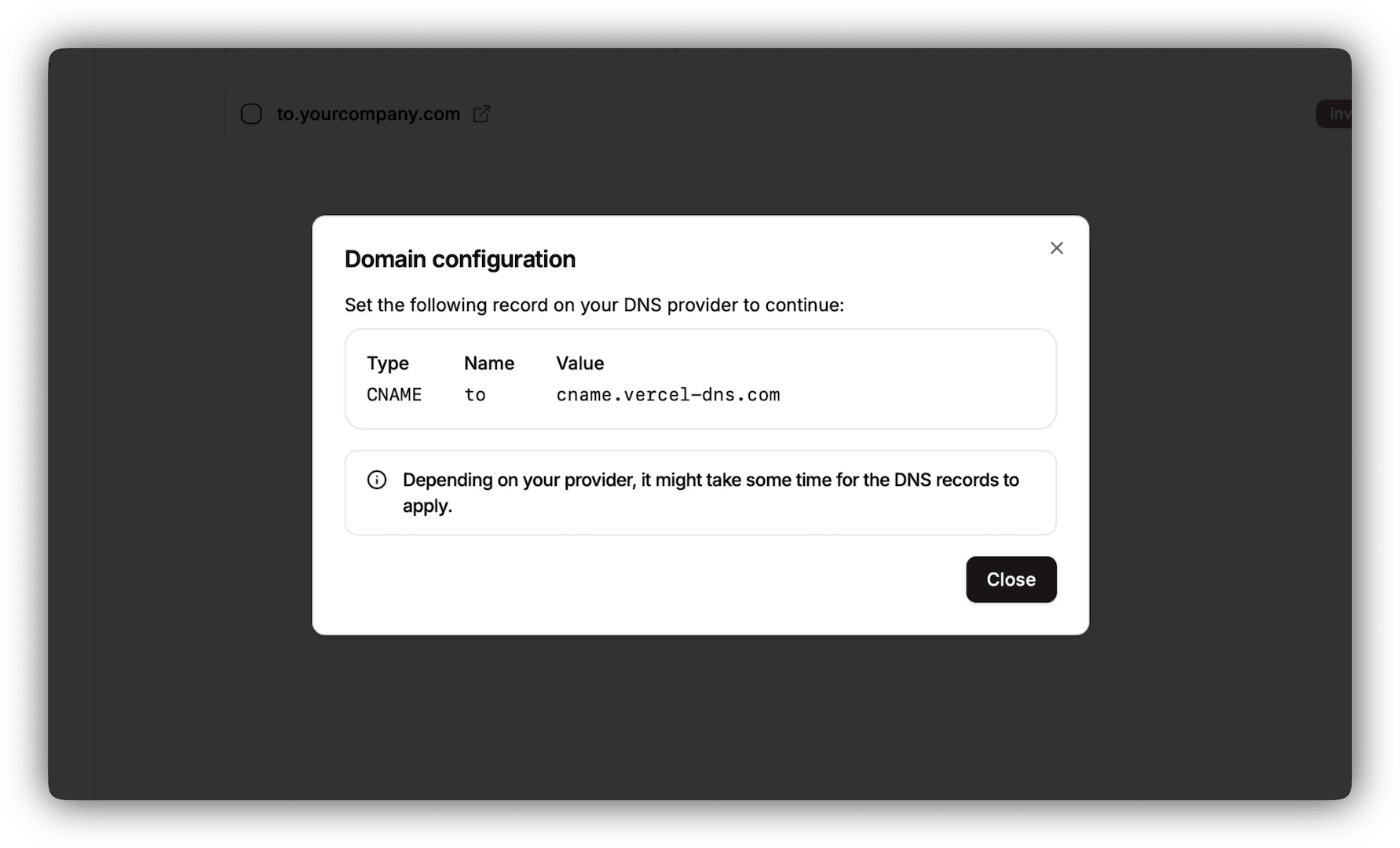
2. Subdomain
- Type: CNAME
- Name: subdomain (here: to from
to.yourcompany.com) - Value: cname.vercel-dns.com
No need to configure the www as a subdomain as it redirects to the apex domain.
Verify domain ownership
This is only applicable if you domain is already added on Vercel.
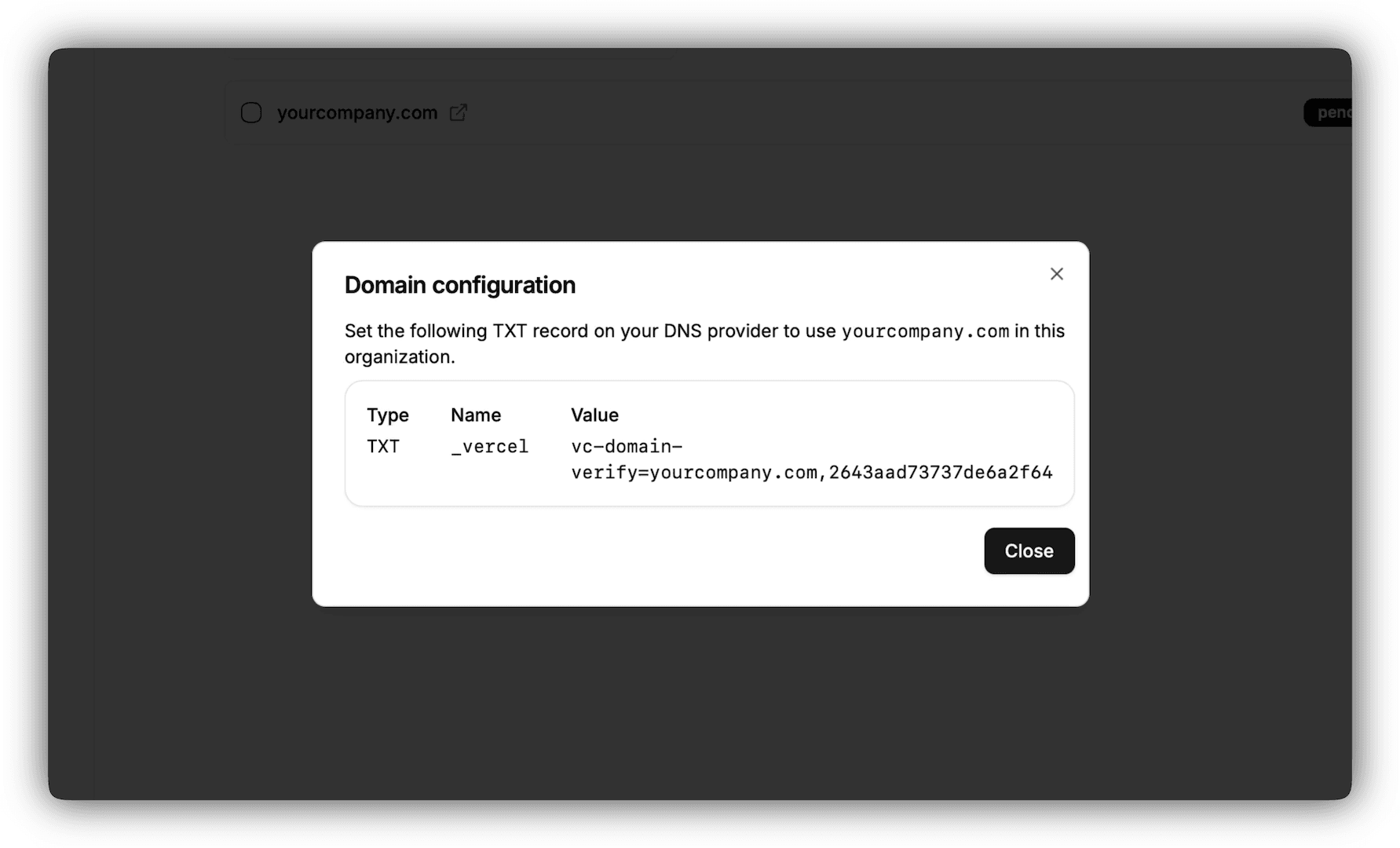
To confirm that you own the domain, you’ll need to add a TXT record.
- Type: TXT
- Name: _vercel
- Value: vc-domain-verify= followed by a value that you will find in the domain configuration in your dashboard
DNS changes may take up to 24-48 hours to propagate.
If it still doesn’t work, please contact our support.